Upload via UI
Add data to the Clarifai platform via the UI
To upload inputs, navigate to your individual app's page and select the Inputs option in the collapsible left sidebar. Then, click the Upload Inputs button located in the upper-right corner of the page.
The inputs uploader window that pops up allows you to upload any type of input data — files from your local directory, texts, or publicly accessible URLs.
Note that you can also use the inputs uploader modal to:
-
Organize your inputs into datasets.
-
Attach JSON metadata for additional context. Metadata are additional pieces of information you attach to your inputs when uploading them to the Clarifai platform. This can include product IDs, user IDs, or any other relevant details necessary for achieving specific outcomes
This modal simplifies the process of managing and enriching your inputs on the platform.
Upload Files
Click here to learn how to upload data using files in .csv or .tsv formats.
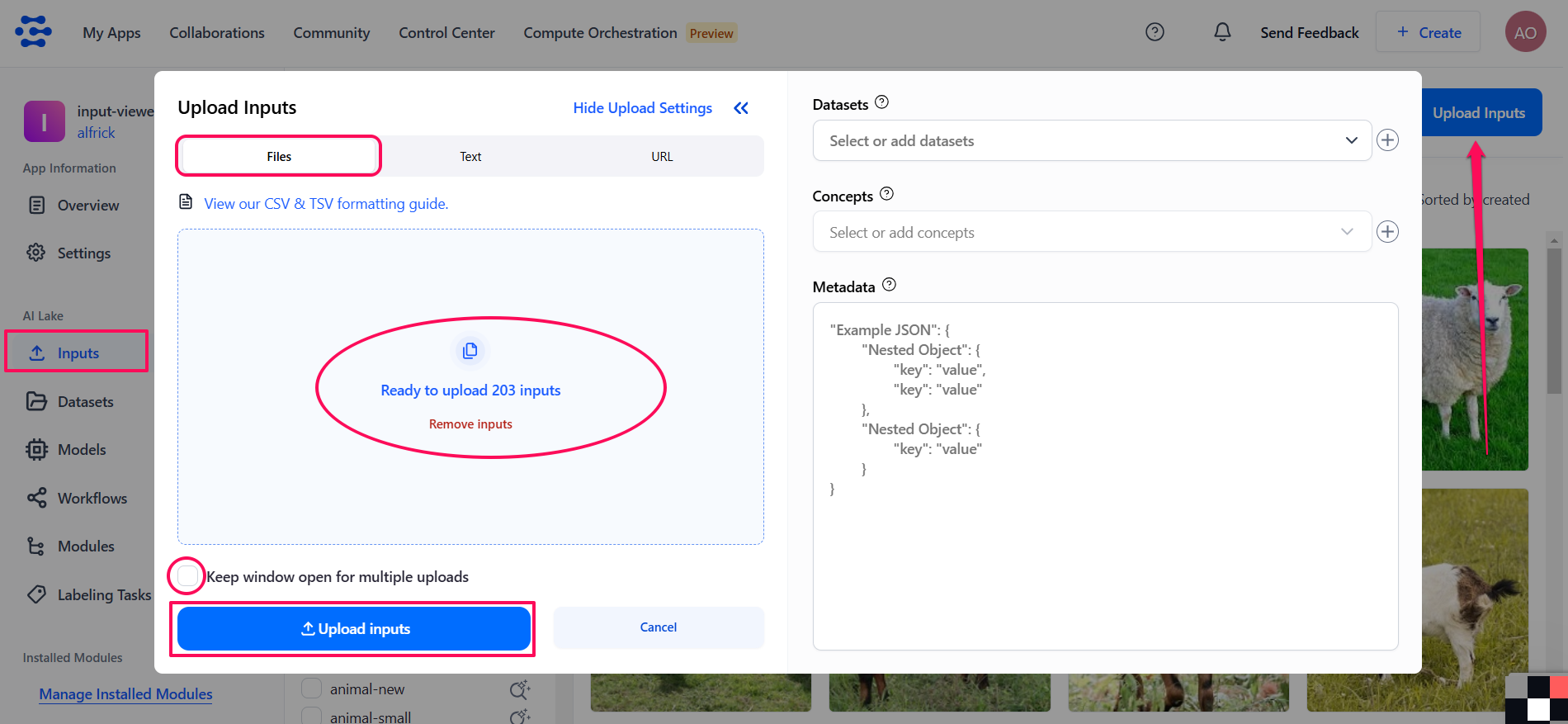
To upload files containing any supported data type from your local directory, select the Files tab in the inputs uploader window. Then, click the upload button to select your files or drag and drop them directly into the designated area.
If you want to make multiple uploads without closing the uploader window, select the Keep window open for multiple uploads checkbox.
After uploading your inputs, click the Upload Inputs button located in the lower section of the uploader window.
Upload Texts
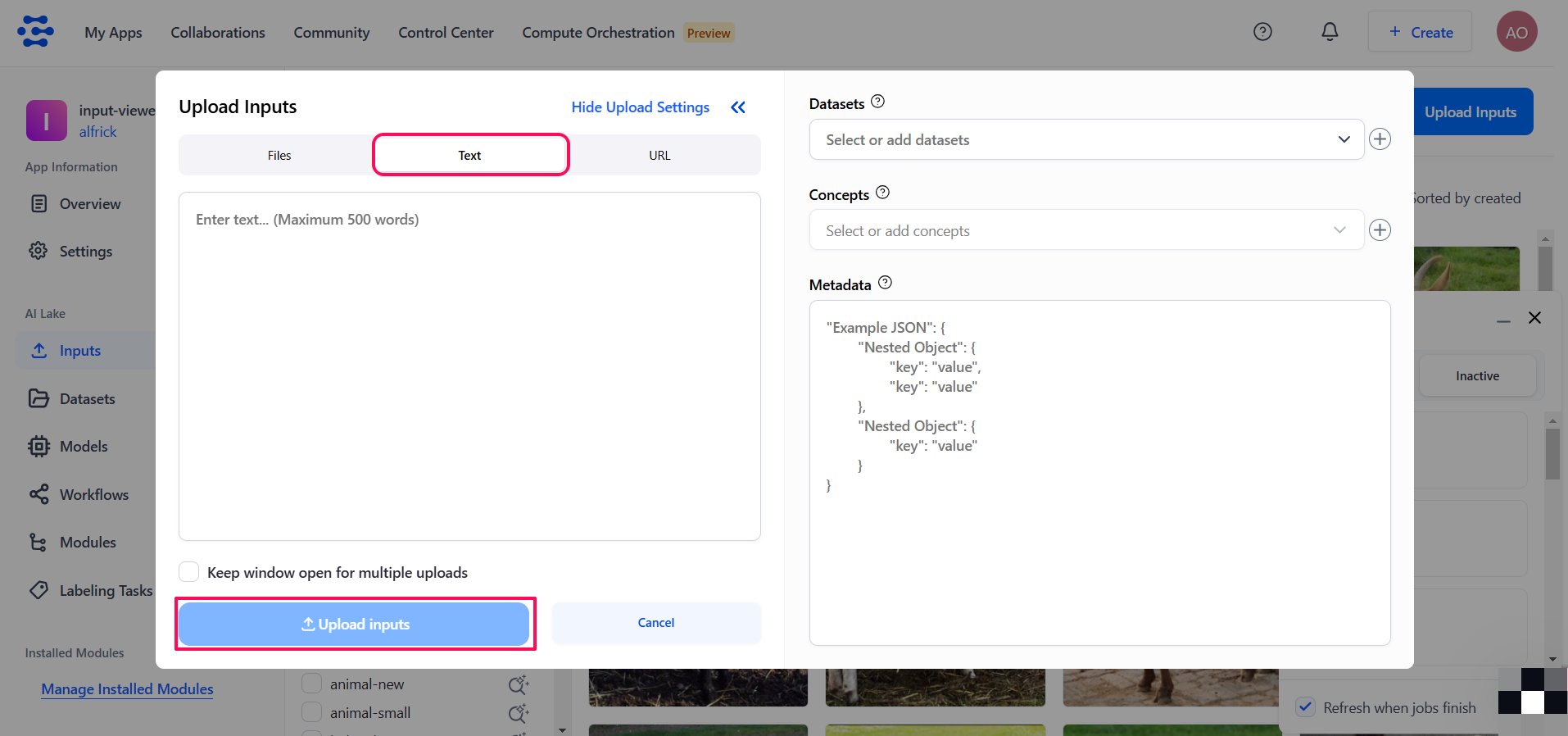
To upload text data directly through the UI, select the Text tab in the inputs uploader window and enter your text. Each input can contain a maximum of 500 words.
Upload URLs
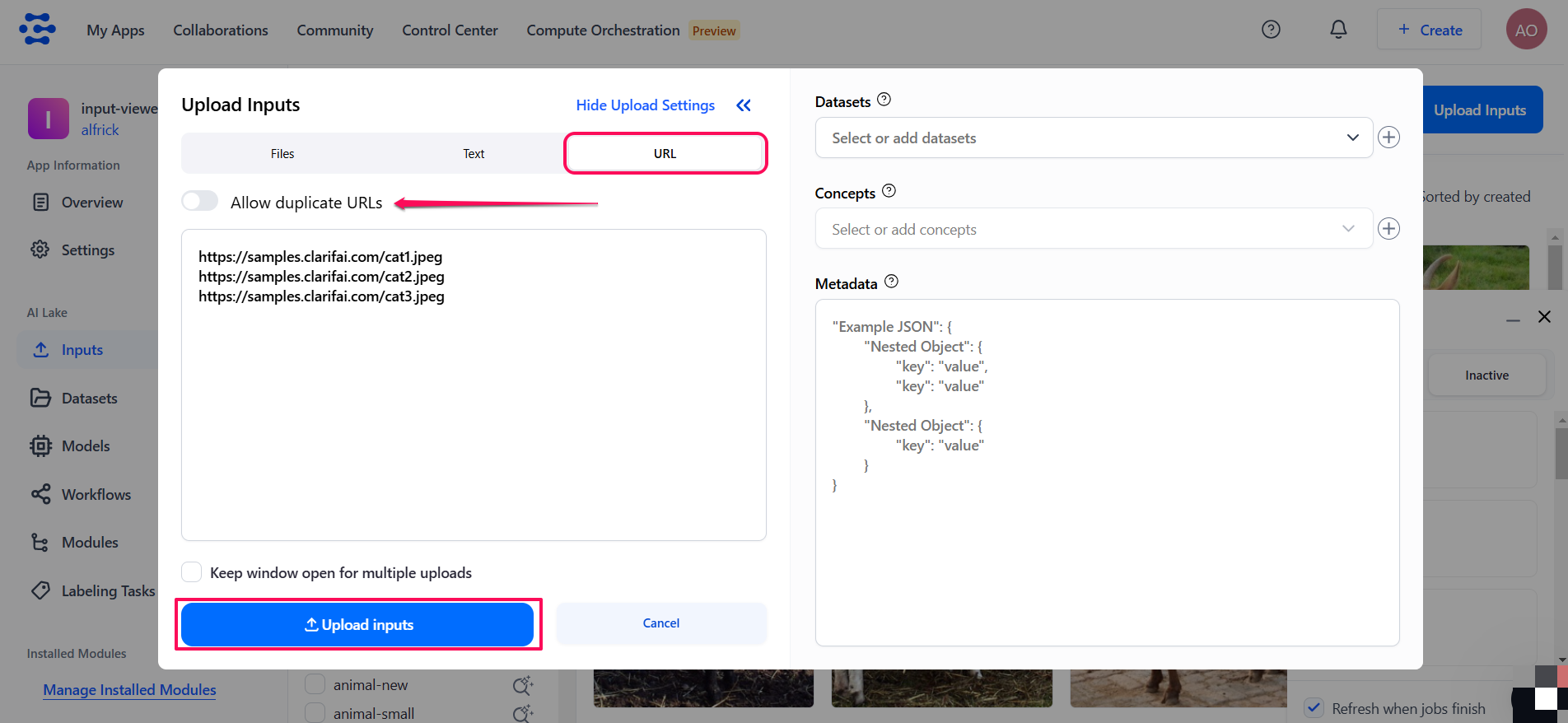
To upload a URL containing any supported data type, select the URL tab in the inputs uploader window and enter each URL on a separate line.
If you want to allow uploading identical URLs, toggle the Allow duplicate URLs button on.
Uploads Status
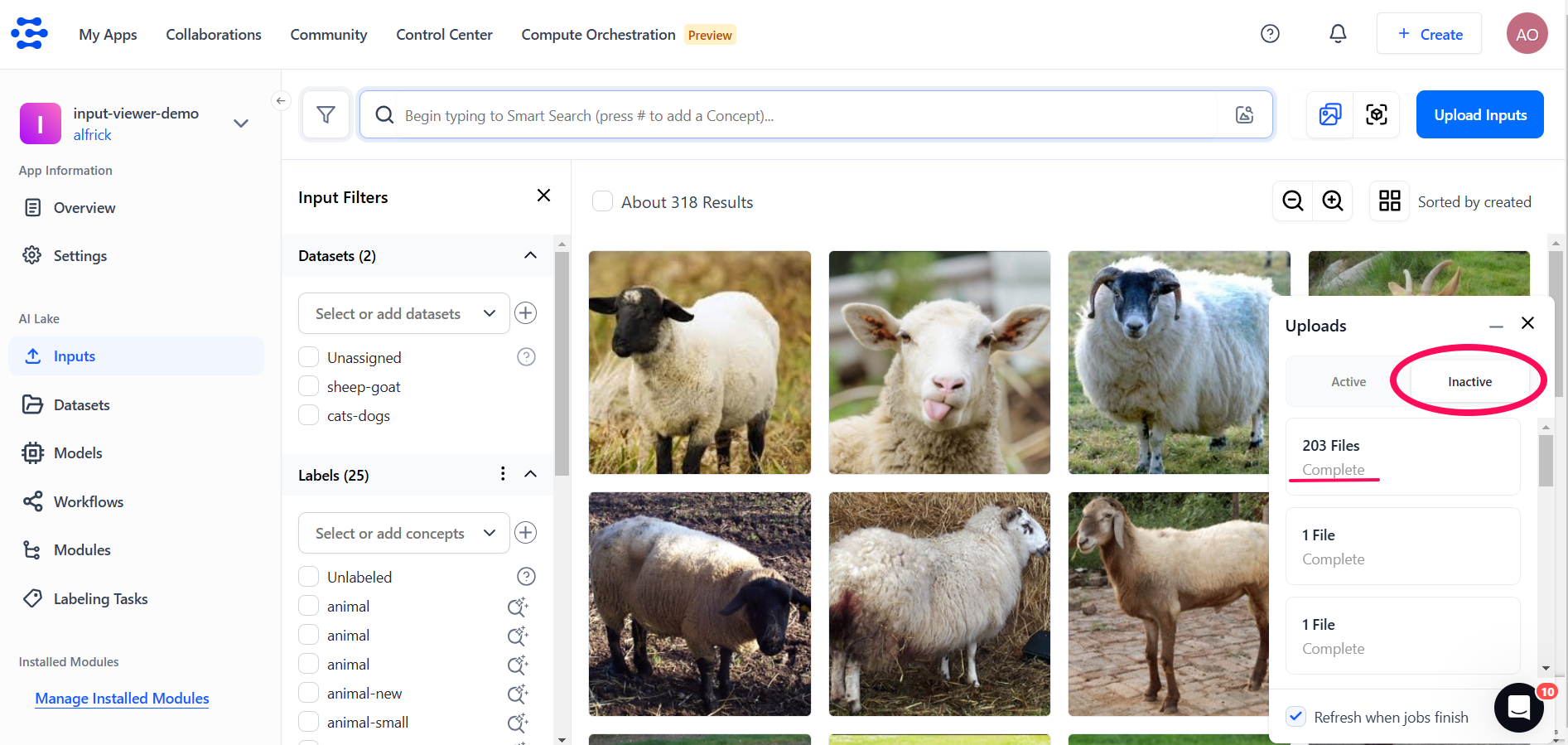
The Uploads status window appears in the lower-right section of the page, enabling you to monitor the percentage progress of your upload. You can check the progress of any of your active uploads in the Active tab.
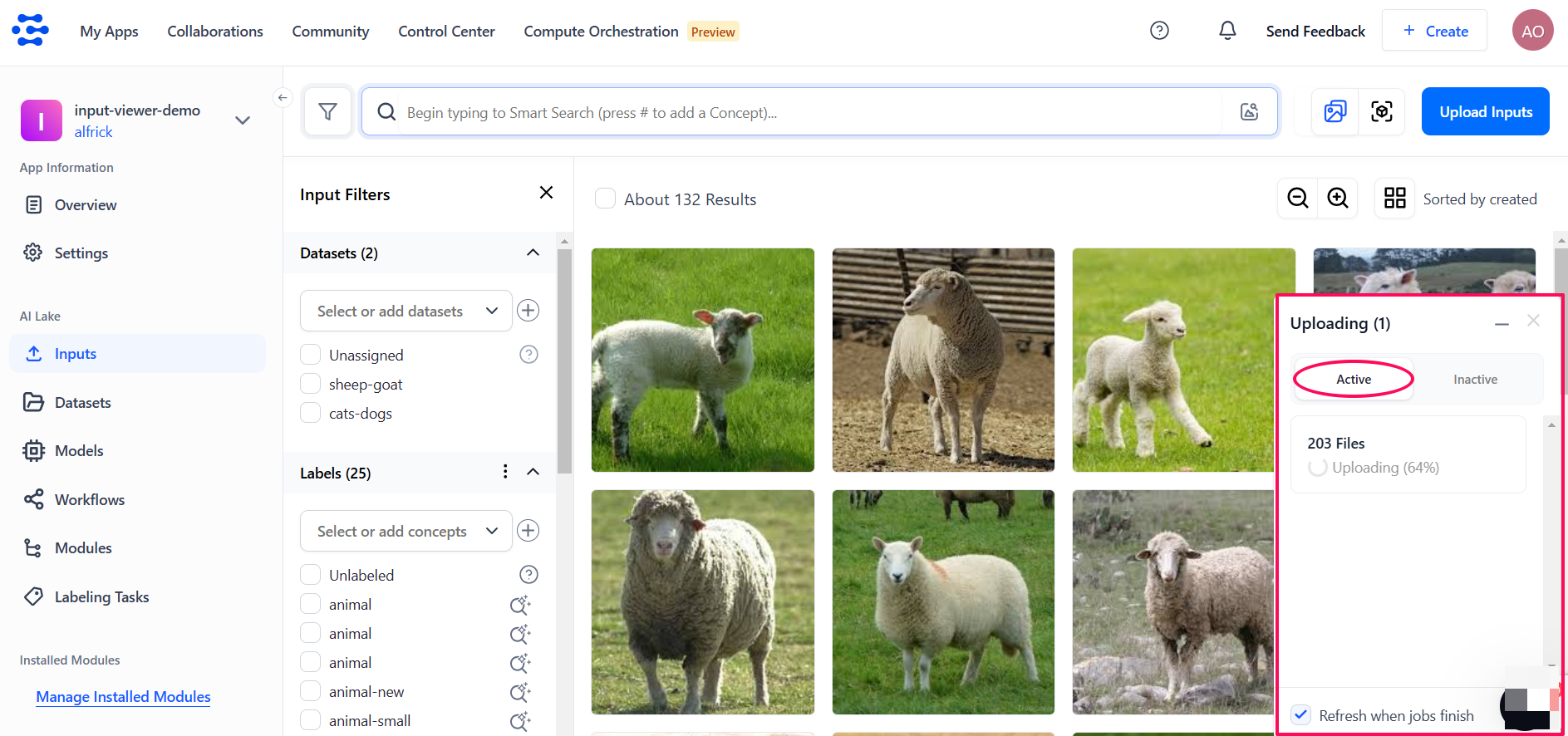
Once the upload process is complete, the Inactive tab will display a Complete status.
If you select the Refresh when jobs finish checkbox, the window will automatically refresh to display the status as soon as the upload process is finished. You'll also be notified if there is an issue with any of your inputs during uploading.